University admissions site with an AI assistant and enquiries sent straight to the platform
An applicant’s form and documents become a record in the learning platform’s “Applicants” module instantly, and an AI assistant that answers only from a vetted knowledge base handles common admissions questions.
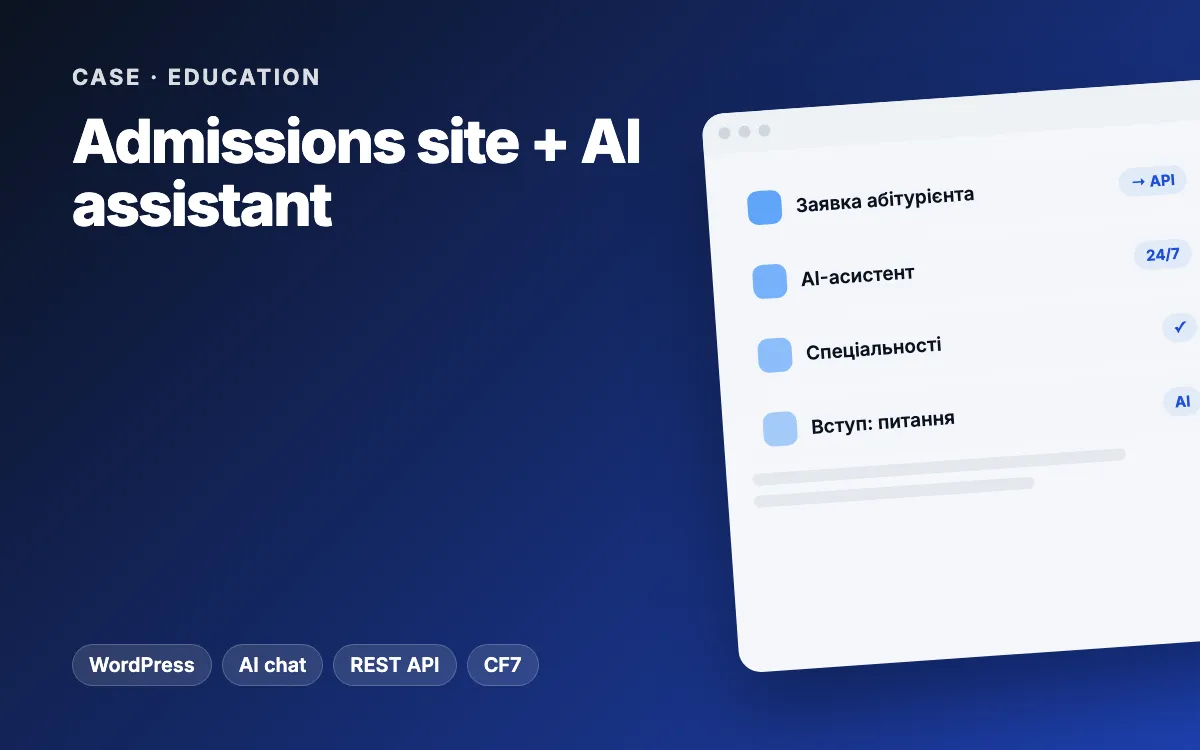
In short: for a university’s admissions campaign we built a WordPress site on a custom theme. An applicant’s form, with scanned documents, goes straight into the “Applicants” module of the university’s learning platform, while the admissions office still gets its usual e-mail. An AI assistant answers only from the university’s knowledge base, with spending caps and a fallback mode that needs no AI at all, and applicants can open a live demo of the student dashboard. The first version took one working day in September 2026.
The client and the brief
The client is a Ukrainian university (we will name it once the client approves) for which we were also building an AI-assisted learning platform. The admissions campaign was coming up, and the applicants’ site ran on a website builder, separate from the platform.
The university needed:
- a dedicated site for applicants: the university, its programmes, and full-time versus part-time study;
- an application form with documents that lands in the admissions office’s system instead of getting lost in an inbox;
- answers to common questions without staff involvement, day and night;
- a way to show what studying on the platform looks like before enrolment.
Constraints
- No lost applications. Even if the platform is briefly down, the admissions office must still get the e-mail.
- A public AI chat costs money. Anyone can send a hundred messages, so strict limits were essential.
- No made-up answers. The assistant cannot improvise about fees, deadlines, exams or contacts; a wrong answer to an applicant damages the university’s reputation.
- Personal data. No real students or staff could appear on a public page, not even in screenshots.
- The official form was not final. We took the fields from the old site as a draft, so they had to be easy to change.
The solution: architecture and stack
| Part | How it works |
|---|---|
| Website | WordPress with a custom theme; the home page is one template: hero, why us, programmes, full-time vs part-time comparison, forms |
| Forms | Contact Form 7: an “Apply” form with file uploads (school certificate or diploma) and a lighter “Ask a question” form |
| Bridge to the platform | A must-use plugin intercepts each submission and sends the data and files to the platform’s API, authenticated with a shared key |
| AI assistant | Floating chat → WordPress REST proxy → platform API → AI service, or an answer from the knowledge base |
| Dashboard demo | A separate read-only platform instance with fictional data, embedded in an iframe |
| SEO | Yoast SEO and basic technical fixes |
Stage 1. Theme and content
A custom theme rather than a stock one: the university’s brand colours, a “why us” section, programme cards, a full-time versus part-time comparison and two forms at the bottom of the page. The whole home page lives in one template, so it does not depend on database settings and looks the same on any server.
Stage 2. Applications go straight to the platform
- Applicants enter their name, education, programme, study mode and contact details, and attach documents.
- The must-use plugin forwards the application and files to the platform’s API, where it becomes a record in the “Applicants” module, visible only to the admissions office and administrators.
- Contact Form 7 still sends its own e-mail: a copy, not a replacement. If the platform is unavailable, nothing is lost.
On the platform side we built the “Applicants” module itself: an admin page listing applications with their data and files for the admissions and admin roles, plus a separate API for the landing site protected by its own key. Both forms are created by a script, so a new server needs no manual Contact Form 7 setup.
Stage 3. The AI assistant
- It answers questions about the university, its programmes, study modes, the admissions process and the student dashboard.
- One source of facts: a knowledge base file on the platform. For fees, deadlines, exams or contacts that are not in it yet, the assistant says plainly that it has no data. When the dean’s office supplies them, updating the file is enough.
- Two modes. When the model is available, the AI answers. When it is not (service down, daily limit reached, an error), the visitor gets the most relevant section of the same knowledge base, and the widget never breaks. After a failure the model is not called again for a minute.
- Spending caps: up to 15 messages per 10 minutes per visitor, a daily cap on model calls (300 by default; 0 switches to knowledge-base-only mode), questions up to 600 characters, history up to 6 turns, and a system prompt that ignores attempts to change the rules.
Stage 4. A live dashboard demo
Below the screenshots, a “Try it live” button swaps the images for the real student dashboard in an iframe, where visitors can click through menus, subjects and lessons. It is a separate demo instance with fictional data, read-only, with passwordless sign-in as a demo student. The iframe only loads after a click, so visitors who skip the demo put no load on the server. The screenshots were also taken on the demo database, with no real names.
Challenges and how we solved them
- Reliable applications. The bridge runs alongside the e-mail, not instead of it, so one system failing never means a lost application.
- The right IP address for rate limits. Behind a reverse proxy every visitor looks like the same address, and the limit would hit everyone at once. The deployment notes explain how to pass the real visitor IP.
- A demo without data leaks. A separate database of fictional data instead of a production copy, and in production the demo may only be embedded on the landing site’s domain.
- A draft form. We flagged clearly that the fields must be checked against the dean’s official application form and showed where to change them on the site and in the platform.
Results
Application and assistant usage figures will be published once the university approves. What the client got:
- applications with documents appear in the admissions office’s admin straight away, with the e-mail as a backup;
- the AI assistant handles common questions around the clock, without invented answers and with controlled costs;
- applicants see the real dashboard before they enrol;
- the site became the front door to the university’s wider platform.
Scope: the first working version in one day (21 September 2026), together with the “Applicants” module and the assistant API on the platform side. At the time of our last work the site was ready to deploy; hosting and domain were being decided by the university.
What you can apply to your business
- A form should write to your system, not just to an inbox, and keep the e-mail as a backup.
- A public AI chat needs limits per visitor, per day and on message length.
- One knowledge base and an honest “I don’t know” beat a confident invention.
- A fallback mode without AI keeps the widget working when the model is down.
- Show your product live on demo data instead of mock-ups.
Choosing between a ready-made and a custom system for your enquiries? Read our comparison of custom and off-the-shelf CRMs.
Related services and reading
- Landing pages and WordPress development
- Chatbots and AI assistants and CRM for enquiries
- Problems: enquiries get lost, customers wait too long
- Related case: a digital AI university
Need a website that sends enquiries straight into your system, with an assistant that answers customers? Get in touch and we will propose a setup that fits your process.