Shopify store for a supplement brand: custom checkout with Nova Poshta, WayForPay and KeyCRM
Every order from the custom checkout lands in Shopify, KeyCRM and Telegram on its own, and customers pick a Nova Poshta branch or parcel locker and pay online without calling a manager.
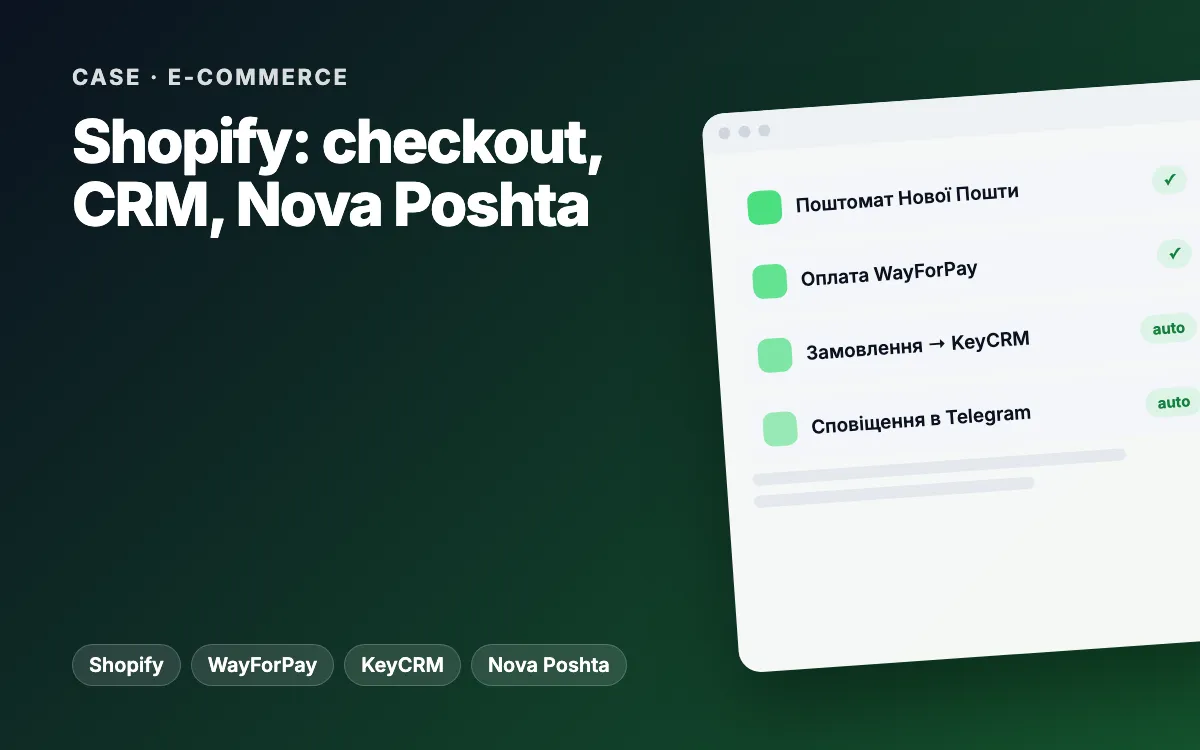
In short: over four months (June–October 2026) we turned a Ukrainian supplement brand’s Shopify store into a system where an order from a custom checkout flows into Shopify, the KeyCRM sales CRM, Telegram and e-mail on its own, while the customer picks a Nova Poshta branch or parcel locker and pays through WayForPay. On top of that: a metafield-driven theme, moderated reviews, promo codes, Google and Meta product feeds and an English version.
The client and the brief
The client is a Ukrainian dietary supplement brand (we will name it once the client approves). The range covers supplements, medical devices and a few licensed medicines that, by law, can only be sold through pharmacies. The store already ran on Shopify with a Dawn-based theme and two page builders.
What was holding sales back:
- the standard checkout had no convenient way to choose a Nova Poshta branch or parcel locker (Ukraine’s dominant delivery network) or to pay via WayForPay, the local payment gateway customers expect;
- orders were re-typed by hand into KeyCRM, where the team works;
- product copy (ingredients, dosage, who it is for) was hard-coded into templates, so every text change became a developer ticket;
- ad platforms were missing data: no ecommerce events and no product feeds for Google Merchant Center or Meta.
Constraints
- Shopify checkout. Deep changes to the checkout steps are only available on Shopify Plus. Delivery and payment had to be built alongside it without losing order records in Shopify itself.
- Secrets. Keys for WayForPay, Nova Poshta, KeyCRM and the e-mail services cannot live in a theme, because theme code is shipped to the browser.
- A live store. The theme syncs from GitHub, so anything merged to the main branch goes live immediately. Sales could not stop for a single day.
- Medicines. They cannot have a cart or online payment, so their product page needed different logic.
- No-code editing. The client’s team had to manage content in the Shopify admin themselves.
The solution: architecture and stack
The system has three parts, each with a clear job:
| Part | What it does | Technology |
|---|---|---|
| Shopify theme | Storefront, product page, cart, custom checkout page, customer account | Liquid, JavaScript, metafields and metaobjects |
| Serverless back end | Receives orders, signs WayForPay payments, creates orders in Shopify and KeyCRM, sends Telegram and e-mail notifications, proxies the Nova Poshta directory, syncs reviews | Node.js on Vercel, Shopify Admin API, webhooks |
| Utilities | Bulk SEO field updates, handle transliteration, store-to-store data migration | Node.js scripts, Admin GraphQL API |
Every key lives only in the back end’s environment variables. The theme only knows the back end’s URL.
Stage 1. A custom checkout
- City, branch or parcel locker selection with suggestions from the first typed character, and a Ukrainian phone mask.
- Online payment through WayForPay: the back end signs the request and the browser moves to the secure payment page. Cash on delivery is also available.
- The back end creates the order in Shopify via the Admin API, so Orders, reports and inventory stay in Shopify.
- In parallel the order goes to KeyCRM with structured delivery fields, the team gets a Telegram message, the admin gets an e-mail and the customer gets a confirmation through eSputnik.
- The customer sees the thank-you page straight away while integrations run in the background. Each outbound call is capped at 8 seconds so one slow service cannot hold up checkout.
Stage 2. A metafield-driven theme
- One universal product template for the whole catalogue: benefits, ingredients, how to take it, usage steps, ingredient cards, FAQ and section images all come from metafields and metaobjects.
- An empty field hides its whole block, so the site never shows “coming soon” placeholders.
- A short guide for the team: which field drives which block and how to set it up in the admin.
- Medicines get a “where to buy” button linking to pharmacies (marked nofollow sponsored) instead of a cart; the price is hidden and the delivery block is not shown.
- A mega menu by category and by need, a filterable catalogue, a branded search page, a blog, a sale page and a branded 404 page.
Stage 3. Sales and trust
- Gift with purchase: the gift product is set in a metafield, no code needed.
- Discount popup: each subscriber gets a unique single-use code valid for a month, created via the Admin API and delivered by e-mail through eSputnik.
- One-click buy with its own analytics event.
- Cart popup after add-to-cart and cross-sell in the cart (excluding medicines and medical devices).
- Reviews: a form on the product page and a dedicated reviews page, with an average rating and a star breakdown. A review goes live when a manager marks it verified in the admin; a Shopify webhook then adds it to the product or removes it.
- Contact form enquiries are routed to the right KeyCRM pipeline.
- Customer account: order status and one-click reorder.
Stage 4. Analytics and SEO
- GTM and GA4 with ecommerce events in the dataLayer, plus Meta Pixel.
- An XML feed for Google Merchant Center (with a separate feed image set via a metafield) and a Meta catalogue feed.
- SEO basics: an H1 on the home page, a custom robots.txt, product image alt text, an automatic meta description when none is set by hand, and noindex on utility pages.
- A script to bulk-fill SEO titles and descriptions, and a script to transliterate the handles of pages, collections, articles and products.
Stage 5. Migration and the English version
For the move to a new store we built a Shopify-to-Shopify migration tool on the Admin GraphQL API. It copies metafield and metaobject definitions, products with variants, prices, SEO and metafields (re-mapping references), collections, customers and, as far as the API allows, historical orders. Steps run one at a time with checks in between. After that came the English version of the theme and content pages.
Challenges and how we solved them
- Checkout without Plus. Rather than fight the platform, we built a separate checkout page and create the order through the Admin API. Customers get the local flow they expect, and the books stay in Shopify.
- Slow third-party services. At first checkout waited for every integration. We split them: the customer gets a response at once, while Telegram, the CRM and e-mails run in the background with a timeout.
- One discount everywhere. A promo code had to show the same way in the cart, on the thank-you page, in e-mails, in eSputnik and in KeyCRM. In the CRM the discount is applied to line prices rather than just noted in a comment; otherwise the totals would not match.
- Duplicated delivery addresses in the CRM. We switched delivery to KeyCRM’s structured fields instead of one free-text line.
- Page builder code. We did not hand-edit sections generated by the page builders; our blocks live in separate, prefixed sections.
- GitHub sync. A single Liquid error stops the theme from syncing, so changes shipped in small releases and were checked on a test store first.
Results
We do not publish conversion rate, average order value or revenue: those figures sit in the client’s accounts and we will share them once the client approves. What changed in practice:
- orders appear in Shopify, KeyCRM and Telegram with no manual re-entry;
- customers choose a parcel locker and pay online without phoning a manager;
- the client’s team edits ingredients, dosage and product FAQs in the admin;
- ad platforms receive ecommerce events and product feeds;
- the store has an English version and a data migration tool.
Scope: about four months of continuous work (25 June – 16 October 2026), more than 330 commits in the theme repository, not counting Shopify’s automatic sync commits.
What you can apply to your store
- A checkout that does not fit your market is not a reason to switch platforms. A separate checkout page, a small back end and the Admin API keep your records in Shopify.
- Keys belong on a server. Anything in a theme is visible to anyone.
- Put content in metafields. One template for every product plus fields your team fills in costs less than dozens of one-off templates.
- Run integrations in the background. A customer should never wait for your CRM to respond.
- Discounts, prices and delivery must match everywhere — cart, e-mail, CRM and analytics.
If you are weighing a CRM for your store, our comparison of custom and off-the-shelf CRMs is a good place to start.
Related services and reading
- Online store development and Shopify development
- CRM integration and analytics and tracking
- Problems this kind of project solves: shoppers abandon their carts, enquiries get lost
- Another Shopify case: tracking and attribution audit
Want your store connected to delivery, payments and your CRM in the same way? Tell us about your project and we will reply with a plan and an estimate.