
End-to-end analytics setup: GA4, GTM, server-side, Meta CAPI
So your ads learn from real sales and you see which channel makes money: clean tracking without duplicates, server-side tagging and reports you can trust.
Sound familiar?
- Analytics and ad platforms show different numbers
- Some orders have no source, so nobody knows what works
- Duplicate tags feed ad algorithms with junk data
What is included
- Audit of current tracking and attribution
- GA4 and Google Tag Manager, e-commerce events
- Server-side tagging (Stape), Meta Conversions API, Google Ads Enhanced Conversions
- Shopify custom pixels, WooCommerce, CRM events
- Looker Studio reports
- Documentation of what is set up and why
End-to-end analytics is a tracking setup where every lead or sale has a source, and GA4, ad platforms and your CRM count the same thing without duplicates. It is for online stores and service businesses that invest in ads and want to know which channel actually makes money. Pricing starts from €500, with a timeline from 14 days.
Who needs end-to-end analytics
- The numbers do not match: Analytics shows one number of purchases, Google Ads another, Meta a third and your CRM a fourth.
- Some orders have no source, so the budget is split on gut feeling.
- Ad algorithms learn from junk data: duplicate conversions, test orders, wrong values.
- The site has changed many times, and nobody remembers which tags, apps and pixels are installed and why.
- Sales close outside the website — in a CRM or on the phone — and your ads never find out.
If the main pain is “we do not know where customers come from”, start with our page on an unknown lead source.
What the setup includes
- Audit of current tracking: which tags, pixels and apps are installed, what duplicates, what does not fire.
- GA4 and Google Tag Manager: a clean event structure, e-commerce from product view to purchase, enquiries and calls for service businesses.
- Server-side tagging (for example via Stape), Meta Conversions API and Google Ads Enhanced Conversions, so less data is lost to blockers and browser restrictions.
- Platforms: Shopify custom pixels, WooCommerce, CRM events when the deal closes outside the site.
- Cookie consent: Consent Mode v2, so tracking respects privacy requirements such as GDPR.
- Looker Studio reports and documentation of what is set up, where and why.
Stages and timeline
- Audit. We map what is installed, compare numbers across systems and find duplicates and gaps.
- Measurement plan. We agree which events and conversions matter for your business and where they should go.
- Fix release. Changes go into a separate container version, are tested in preview mode and published without risk to live campaigns.
- Validation on real data. Test and real orders, reconciled with your CRM or store platform.
- Documentation and reports. You get a description of the setup and a dashboard you can use every week.
A typical project takes from 14 days; part of that time is watching real data after the release.
What affects the price
| Factor | Effect on price and timeline |
|---|---|
| Base: audit, GA4, GTM, key events, documentation | from €500, from 14 days |
| Number of ad platforms (Google, Meta, Microsoft and others) | Each platform needs its own conversions and checks |
| Server-side tagging and Conversions API | A server container and extra testing |
| CRM events or offline sales | Integration with your CRM or accounting |
| Platform and number of apps already tracking | More layers mean more duplicates to untangle |
| Looker Studio reports | A dashboard built around your decisions |
Tools and platforms
Google Analytics 4, Google Tag Manager (web and server containers), Stape, Meta Pixel and Conversions API, Google Ads Enhanced Conversions, Microsoft Clarity, Looker Studio. Platforms: Shopify, WooCommerce, WordPress, Webflow, BigCommerce and Next.js. Once tracking is clean, you can build ads on top of it — that is our Google Ads and Meta Ads management service.
An example from our work: a Shopify tracking audit
A Shopify hardware store ran three tracking layers at once: GTM with server-side tagging via Stape, native Shopify apps for Google, Facebook and Microsoft, and Shopify’s own attribution. The GTM container loaded three times on every page — from the theme and from two custom pixels — so Google Ads, Microsoft Clarity and Conversion Linker tags fired three times. In the baseline period 40.7% of online orders had no customer journey data, against a target below 15%.
We delivered a report in English and Ukrainian, a GTM fix release with a step-by-step publishing guide, and a plan for investigating orders without a source, with an honest split between what depends on the setup and what depends on traffic behaviour. After the release each tag fires once. The full story is in the Shopify tracking audit case study. Another example is a Shopify supplement store where we set up Meta Pixel, dataLayer events and a Google product feed.
How to check your tracking yourself
- Compare a week of orders in your store platform or CRM with purchases in GA4 and conversions in your ad accounts. A gap of a few percent is normal; double or half is not.
- Open the GA4 traffic source report and look at the share of “(not set)”, “Unassigned” and “Direct”. If it is large, sources are being lost.
- Install Tag Assistant and walk through a purchase: count how many times the purchase or lead tag fires.
- Submit a test enquiry with a UTM tag and check that it reaches analytics and the CRM with the right source.
If these steps raise more questions than answers, it is time for an audit.
How to choose a contractor
- They start with an audit instead of adding “one more pixel” on top of the existing ones.
- They explain which discrepancies are normal and which are errors. Systems never match perfectly.
- They publish through versions and preview mode, so campaigns do not break.
- They leave documentation; without it the next contractor starts from scratch.
- They take cookie consent and privacy requirements into account.
How the UTM → GA4 → CRM chain works and what you can set up yourself is explained in lead source tracking for small businesses. For stores, the purchase funnel with GA4 events is covered in abandoned carts.
Want to know which numbers to trust? Get in touch and we will start with a tracking audit. If you need a wider review of the site, see our technical audit.
Problems this solves
Ads keep getting pricier
Your ad budget keeps growing, but the same money brings fewer enquiries.
How to fix itUnknown lead source
Money goes into several channels, but nobody can say which one brings the customers who pay.
How to fix itShoppers abandon their carts
They add products to the cart, reach checkout — and disappear.
How to fix itFAQ
Why do GA4 and ad platforms disagree?
Different attribution models, blockers, duplicate tags and broken events. We separate normal discrepancies from setup errors and fix the errors.
How much does an analytics and tracking setup cost?
From €500 for an audit and a clean base setup: GA4, Google Tag Manager, e-commerce or lead events, documentation. Server-side tagging, Meta CAPI, CRM events and Looker Studio reports add scope.
What is server-side tagging and do I need it?
Event data goes first to your own server container and from there to GA4 and ad platforms. Less data is lost to blockers and browser restrictions, and you control exactly what is shared. It pays off when you invest seriously in ads.
Can you fix tracking without breaking live campaigns?
Yes. We prepare changes in a separate container version, test them in preview mode and publish with a step-by-step guide. Running campaigns are not paused.
How does tracking work with GDPR and cookie consent?
We set up Consent Mode v2: no advertising or analytics cookies before the visitor agrees, full data after consent. The policy and banner wording is approved by you or your lawyer.
Case studies for this service
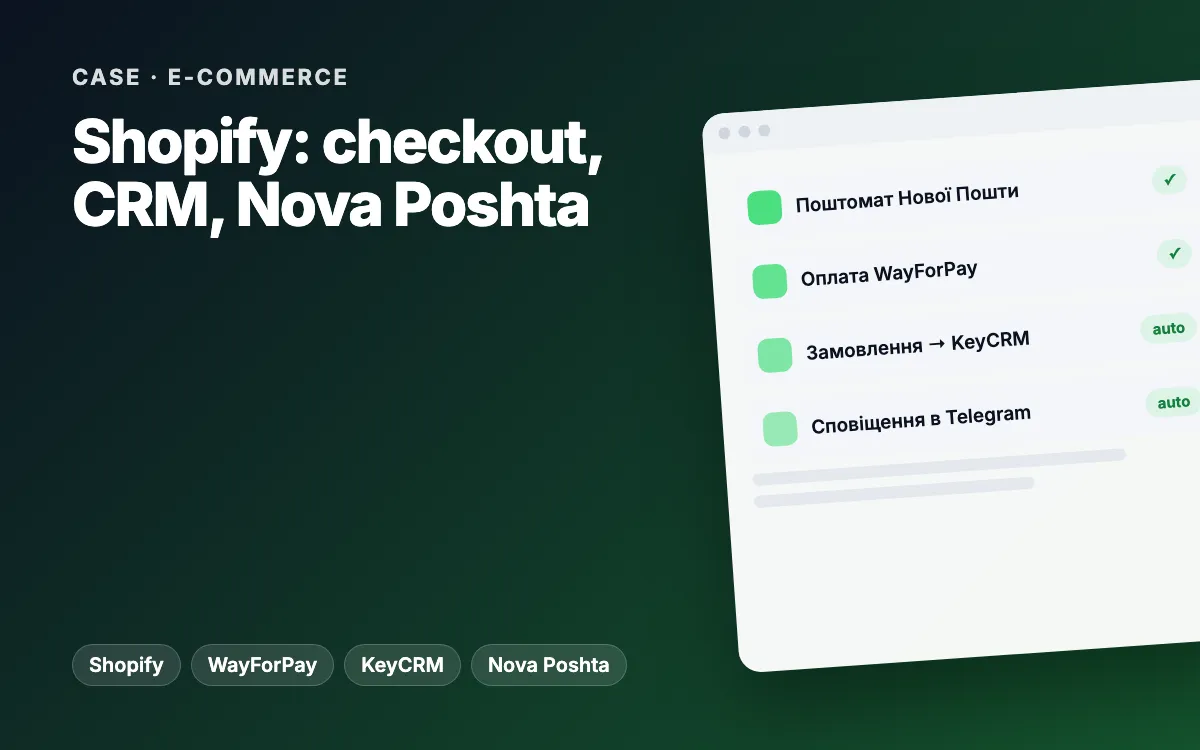
Shopify store for a supplement brand: custom checkout with Nova Poshta, WayForPay and KeyCRM
Every order from the custom checkout lands in Shopify, KeyCRM and Telegram on its own, and customers pick a Nova Poshta branch or parcel locker and pay online without calling a manager.
Learn moreShopify tracking and attribution audit: duplicate tags removed, missing order sources traced
We found why Google Ads, GA4 and Shopify disagreed: the GTM container loaded three times per page, cart events carried a sandbox URL and 40.7% of online orders had no source. We delivered a fix release with one-click rollback and a plan for every acceptance criterion.
Learn moreArticles on the topic
Abandoned carts: why shoppers don’t finish checkout and what actually works (WooCommerce and Shopify)
Why shoppers abandon carts on WooCommerce and Shopify: surprise costs, forced sign-up, long checkout, errors. A self-check and the fixes that work.
Read Advertising Pricier ads, fewer leads · 7 min readAds cost more but bring fewer leads: what to fix on your website before raising the budget
Cost per lead rising while leads drop? What to check on your website and tracking before raising your Google Ads or Meta Ads budget: checklist, table, examples.
Read Analytics Where do leads come from? · 8 min readDon’t know where your customers come from? Lead source tracking for small businesses
Where do your customers really come from? UTM tags, GA4, CRM source fields and call tracking for small businesses: a setup checklist and a real audit.
ReadOther services
New website or redesign
A modern, fast website that makes it easy for customers to understand your offer and get in touch — on mobile too.
from €1,200Learn moreOnline store
A store that is easy to buy from and easy to run: catalogue, payments, delivery, e-mail marketing.
from €2,000Learn moreCRM development
A CRM that works the way your team sells: enquiries from the website and messengers, pipeline, tasks, reminders and reports — without clutter or per-seat licences.
from €2,000Learn moreCheck the analytics on my site
We check your site the way customers and Google see it and send a short report with specific action points — no strings attached.
- Speed and mobile experience
- Title, description, H1, schema.org, sitemap
- Forms, click-to-call, online booking
- Analytics, Pixel and ads
- HTTPS and security headers
Tell us about your project
We reply within one business day. Or message us on your favourite messenger.
- Reply within one business day
- Free consultation and estimate
- NDA on request, before we start