
Unknown lead source: how to track where customers come from
The lead source gets lost in three places: analytics doesn’t track enquiries, links have no UTM tags, and the channel isn’t passed from the website into the CRM with the enquiry. While any link in that chain is broken, you see clicks and visitors but not which channel brings paying customers.
Sound familiar? Tick what applies
Tick the points you recognise.
Without knowing the source, every marketing decision is a guess. You might switch off the channel that actually brought your best customers and pour more into one that only looks good in its own dashboard. Holding contractors to account is hard too: each shows their own report, they all “work”, and your profit picture gets no clearer.
Unknown lead source: why it happens
- 01
Analytics installed but not configured
GA4 is on the site but doesn’t track enquiries, calls, messenger clicks or purchases. It sees visitors, not customers. How to check: open the events section in GA4 and look for form submissions or purchases with real numbers.
- 02
Missing or messy UTM tags
Links in ads, newsletters and social posts have no tags, or everyone tags them differently. Reports lump everything into “direct” and “referral”. How to check: see what share of traffic sits under “direct” and “(not set)”.
- 03
The source never reaches the CRM
The website form sends a name and phone number but not the channel. After that, the link between ad and sale is lost. How to check: submit a test enquiry through a UTM-tagged link and see whether the tag shows up in the CRM record.
- 04
Calls and messengers sit outside the system
Someone sees an ad, then calls or messages you. Without call tracking and tagged links, that customer looks like they “found you on their own”. How to check: count what share of sales started with a call or a chat.
- 05
Tags fire twice or conflict
Google Tag Manager loads several times, the pixel is in both the theme and an app, events fire twice. The numbers are inflated and can’t be trusted. How to check: open the site with Tag Assistant and see how many times each tag fires.
- 06
Every system counts its own way
Ad platforms use their own attribution models and conversion windows, and some data is lost to ad blockers and cookie restrictions. Without a single source of truth, the numbers will never match. How to check: compare monthly sales in the CRM with each ad account.
- 07
No report that joins spend and sales
Ad spend is in one dashboard, enquiries in another, payments in accounting. Nobody puts them together. How to check: can you name last month’s cost per customer for each channel in five minutes?
How we fix it
- 1
Audit of current analytics
We review GA4, pixels, tags and data flow into the CRM, and show what’s measured and where data is lost. In a tracking audit for a Shopify store, for example, we found GTM loading three times and duplicate ad tags.
- 2
One system of tags and events
We define UTM rules for every channel and set up events for enquiries, calls, messenger clicks and purchases via Google Tag Manager.
- 3
A source on every deal
We pass the channel, campaign and tags from the website into the CRM together with the enquiry, so every deal has a source.
- 4
A report you can trust
We bring ad spend and CRM sales into one report: how many leads, customers and how much revenue each channel brings.
Services that solve it
Analytics and tracking
So your ads learn from real sales and you see which channel makes money: clean tracking without duplicates, server-side tagging and reports you can trust.
from €500Learn moreGoogle Ads, Meta Ads and analytics
Advertising where you can see what each enquiry costs and what actually brings customers.
from €400/moLearn moreRelated case studies
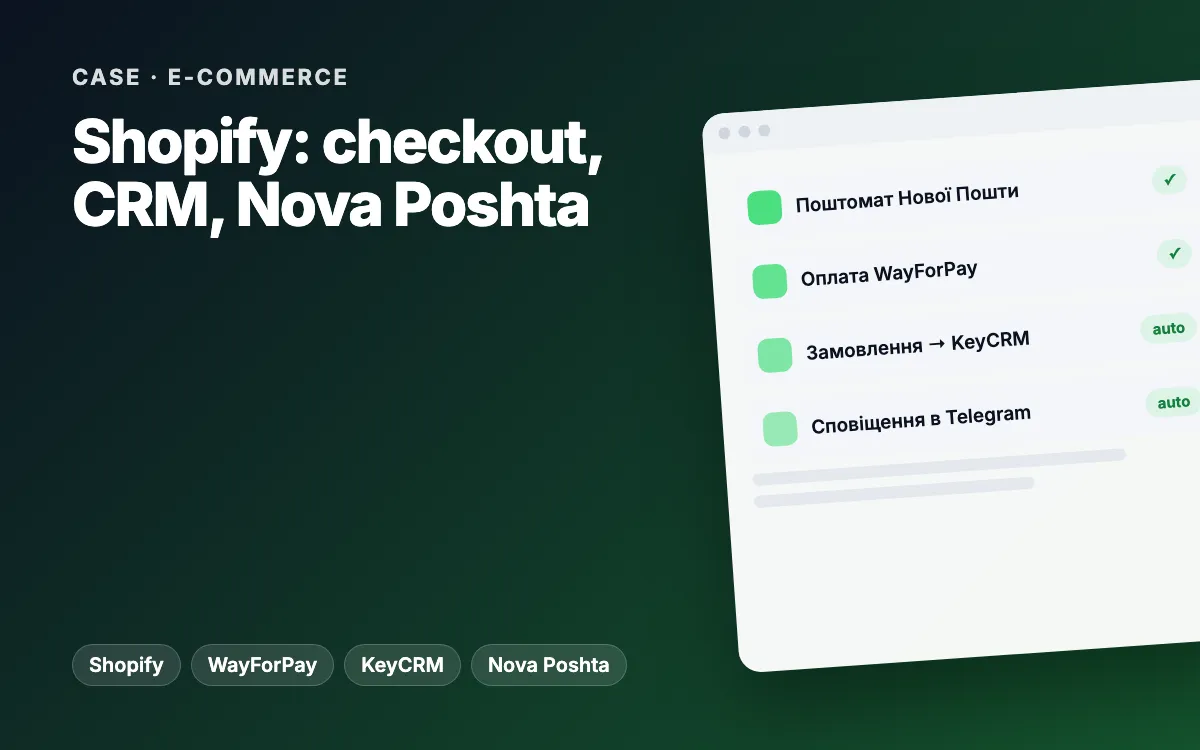
Shopify store for a supplement brand: custom checkout with Nova Poshta, WayForPay and KeyCRM
Every order from the custom checkout lands in Shopify, KeyCRM and Telegram on its own, and customers pick a Nova Poshta branch or parcel locker and pay online without calling a manager.
Learn moreShopify tracking and attribution audit: duplicate tags removed, missing order sources traced
We found why Google Ads, GA4 and Shopify disagreed: the GTM container loaded three times per page, cart events carried a sandbox URL and 40.7% of online orders had no source. We delivered a fix release with one-click rollback and a plan for every acceptance criterion.
Learn moreArticles on the topic
Ads cost more but bring fewer leads: what to fix on your website before raising the budget
Cost per lead rising while leads drop? What to check on your website and tracking before raising your Google Ads or Meta Ads budget: checklist, table, examples.
Read Analytics Where do leads come from? · 8 min readDon’t know where your customers come from? Lead source tracking for small businesses
Where do your customers really come from? UTM tags, GA4, CRM source fields and call tracking for small businesses: a setup checklist and a real audit.
Read E-commerce Why do carts get abandoned? · 7 min readAbandoned carts: why shoppers don’t finish checkout and what actually works (WooCommerce and Shopify)
Why shoppers abandon carts on WooCommerce and Shopify: surprise costs, forced sign-up, long checkout, errors. A self-check and the fixes that work.
ReadFAQ
How can I check my tracking myself?
Submit a test enquiry through a UTM-tagged link and follow it: did an event appear in GA4, a conversion in the ad account and the tag in the CRM? Wherever the chain breaks is where the problem is.
Can GA4, Meta and the CRM show the same numbers?
They’ll never match exactly: systems count conversions differently and browsers block some data. The goal is to make the CRM your single source of truth for sales and understand why the other systems differ.
How do you track customers who call or use messengers?
Calls are tracked with call tracking, using different numbers for different channels. Messengers use tagged links or a bot that records the source on the first message. What fits you depends on your enquiry volume.
Does a small business need full-funnel attribution?
A full BI setup, not always. But anyone paying for ads needs the basics: enquiry events, UTM tags and the source stored in the CRM. Without them you can’t tell what pays off.
How much does setup cost?
Analytics and tracking start from €500. If we also manage your ads (from €400/month, ad budget not included), proper measurement becomes the foundation of that work.
Other problems we solve
Ads keep getting pricier
Your ad budget keeps growing, but the same money brings fewer enquiries.
How to fix itNot showing up on Google
Competitors appear in search and on Maps, while customers simply can’t find you.
How to fix itTraffic, but no enquiries
People visit, look around and leave — no call, no message, no form.
How to fix itEnquiries get lost
Enquiries are scattered across Instagram, Telegram, email and phone — and some simply vanish.
How to fix itCustomers wait too long
Someone messages in the evening or at the weekend and hears back the next day — after buying elsewhere.
How to fix itCustomers don’t come back
Someone buys once — and you never hear from them again.
How to fix itCheck if my analytics sees leads
We check your site the way customers and Google see it and send a short report with specific action points — no strings attached.
- Speed and mobile experience
- Title, description, H1, schema.org, sitemap
- Forms, click-to-call, online booking
- Analytics, Pixel and ads
- HTTPS and security headers
Tell us about your project
We reply within one business day. Or message us on your favourite messenger.
- Reply within one business day
- Free consultation and estimate
- NDA on request, before we start