
Manual work and spreadsheets: how to automate business routine
Manual spreadsheet work appears wherever business systems aren’t connected: the website, CRM, accounting and shipping live apart, and a person moves data from one window to another. Automation starts not with an expensive system but with a process map and a few integrations where repetition and errors are highest.
Sound familiar? Tick what applies
Tick the points you recognise.
Copying data by hand looks trivial until you add it up: a few hours a day across several people is a full-time salary that goes neither into sales nor into customers. Then come the mistakes: a wrong address, a forgotten enquiry, an invoice with someone else’s total. Each one costs time to fix, and sometimes a customer who doesn’t come back.
Your team is buried in manual work: why it happens
- 01
Your systems don’t talk to each other
The website, CRM, accounting, courier and messengers all live separately. A person becomes the adapter that moves data between windows. How to check: draw the path of one order and mark every point where data is typed in by hand.
- 02
The process grew out of an old spreadsheet
A sheet created “for now” has grown tabs, formulas and colour codes. Only one person still understands it. How to check: could a new hire find the status of a specific order in it without help?
- 03
No single source of truth
The same customer exists in three places in three versions. Reconciling them takes longer than the work itself. How to check: look up one regular customer in every sheet and system and compare the records.
- 04
Routine steps are done by hand
Order confirmations, payment reminders, documents: they repeat every time, yet every time they’re done from scratch. How to check: for one week, note the actions that repeat daily with hardly any change.
- 05
Products and stock live in several places
The inventory system, the website and marketplaces are updated separately, so customers order what is already gone. How to check: compare stock for ten bestsellers on the site and in the warehouse.
- 06
Nobody has priced the routine
Manual work is spread across people and invisible in any report, so it feels free. How to check: multiply a week’s hours of manual data entry by the hourly cost of the staff doing it.
- 07
Automation keeps being postponed
It feels expensive and slow, so the team puts up with it. In practice, a handful of integrations often removes most of the load. How to check: pick your most frequent manual task and find out whether your systems have an API for it.
How we fix it
- 1
Map the process
Together we walk through an enquiry or order from the website to payment and delivery, noting where data is typed in by hand, duplicated or most often wrong.
- 2
Bring data into one place
We set up a CRM, or tidy up your current one, so the customer, the deal and the documents live in one record instead of five spreadsheets.
- 3
Automate the hand-offs
We connect the website, CRM, accounting, courier services and messengers via API: enquiries arrive on their own, documents come from templates, statuses update by themselves. For a building materials store on WooCommerce, products, photos and stock are imported automatically from the accounting system.
- 4
Add AI where it makes sense
Sorting incoming emails and messages, extracting details from documents, drafting replies: work that takes time but doesn’t need a human decision.
Services that solve it
Business process automation
We remove manual routine: data flows between your website, CRM, payments, inventory, accounting and messengers on its own, so your team works with customers instead of copying spreadsheets.
from €800Learn moreCRM development
A CRM that works the way your team sells: enquiries from the website and messengers, pipeline, tasks, reminders and reports — without clutter or per-seat licences.
from €2,000Learn moreAI services: business 24/7
AI agents that work while you sleep: they answer customers, qualify leads, draft proposals, find new clients and report to you in the morning. You only approve what matters.
from €1,000Learn moreRelated case studies
Digital AI university: learning platform with an AI assistant and an applicants CRM
The university has its own platform where courses, tests, timetables, internships, support and applicant enquiries live in one system, while AI drafts courses and answers students from each subject’s material.
Learn more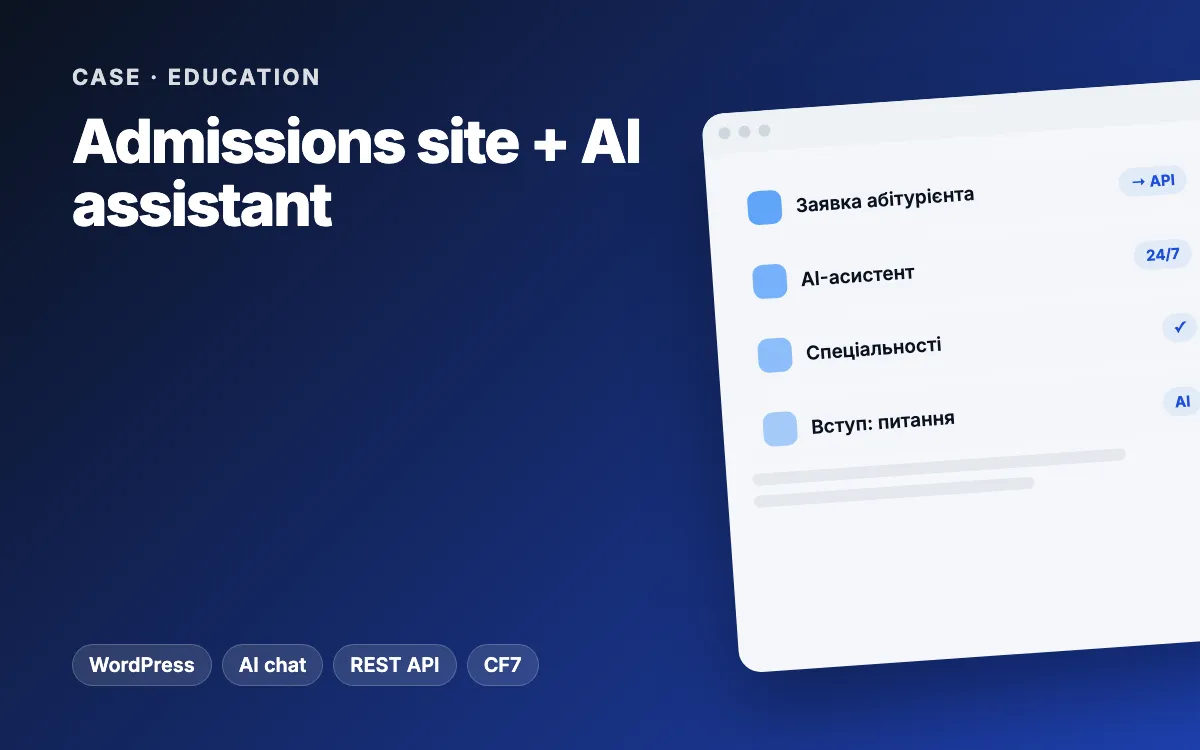
University admissions site with an AI assistant and enquiries sent straight to the platform
An applicant’s form and documents become a record in the learning platform’s “Applicants” module instantly, and an AI assistant that answers only from a vetted knowledge base handles common admissions questions.
Learn moreArticles on the topic
Routine eats your day: 10 processes a small business should automate first
Which processes a small business should automate first — leads, bookings, documents, orders, reports — and how to calculate the hours automation frees up.
Read CRM Custom or ready-made CRM? · 7 min readCustom CRM vs off-the-shelf: how small businesses should choose
Off-the-shelf or custom CRM? When HubSpot or Pipedrive is enough, when a custom CRM pays off, what it costs and what small businesses should automate first.
Read Automation Lead → CRM → alert · 7 min readHow to automate website leads: instant alerts, CRM and follow-up reminders
Automate website leads: instant team alerts, automatic CRM records with the ad source, a confirmation to the customer and reminders when nobody replies.
ReadFAQ
How do I work out what the routine costs?
Ask each team member to log manual tasks and the time they take for a week. Multiply the hours by the hourly cost of each person, and you have a real figure to compare with the price of automation.
What should we automate first?
Whatever repeats most often and where a mistake costs the most. Usually that’s passing website enquiries to the CRM, generating documents and syncing with delivery. After reviewing your process we’ll suggest the order of work.
Do we have to give up our spreadsheets?
Not necessarily. A spreadsheet can stay as a handy report or reference; it just gets updated automatically instead of by hand.
No-code tools or a custom integration?
No-code workflow tools are fine for simple connections. When volumes grow, there is a lot of data or reliability matters, a custom API integration pays off better.
How much does automation cost?
Individual integrations and workflows start from €800, a CRM rollout from €2000, AI solutions from €1000. We give an exact price after looking at your process.
Other problems we solve
Appointments booked by hand
Your receptionist spends all day on calls and messages, and the schedule still has clashes.
How to fix itYour website is held hostage
Your developer hasn’t replied in weeks, and without them you can’t even change the phone number on your site.
How to fix itYou’ve outgrown your tools
The business keeps growing, but the apps, plugins and spreadsheets that once helped now slow down every step.
How to fix itTraffic, but no enquiries
People visit, look around and leave — no call, no message, no form.
How to fix itEnquiries get lost
Enquiries are scattered across Instagram, Telegram, email and phone — and some simply vanish.
How to fix itCustomers wait too long
Someone messages in the evening or at the weekend and hears back the next day — after buying elsewhere.
How to fix itTell us about your project
We reply within one business day. Or message us on your favourite messenger.
- Reply within one business day
- Free consultation and estimate
- NDA on request, before we start